Guest messages you prepare
Write the arrival note once: the door, the Wi-Fi, the parking. When a guest is due, you start from that note, read it, and confirm to send.
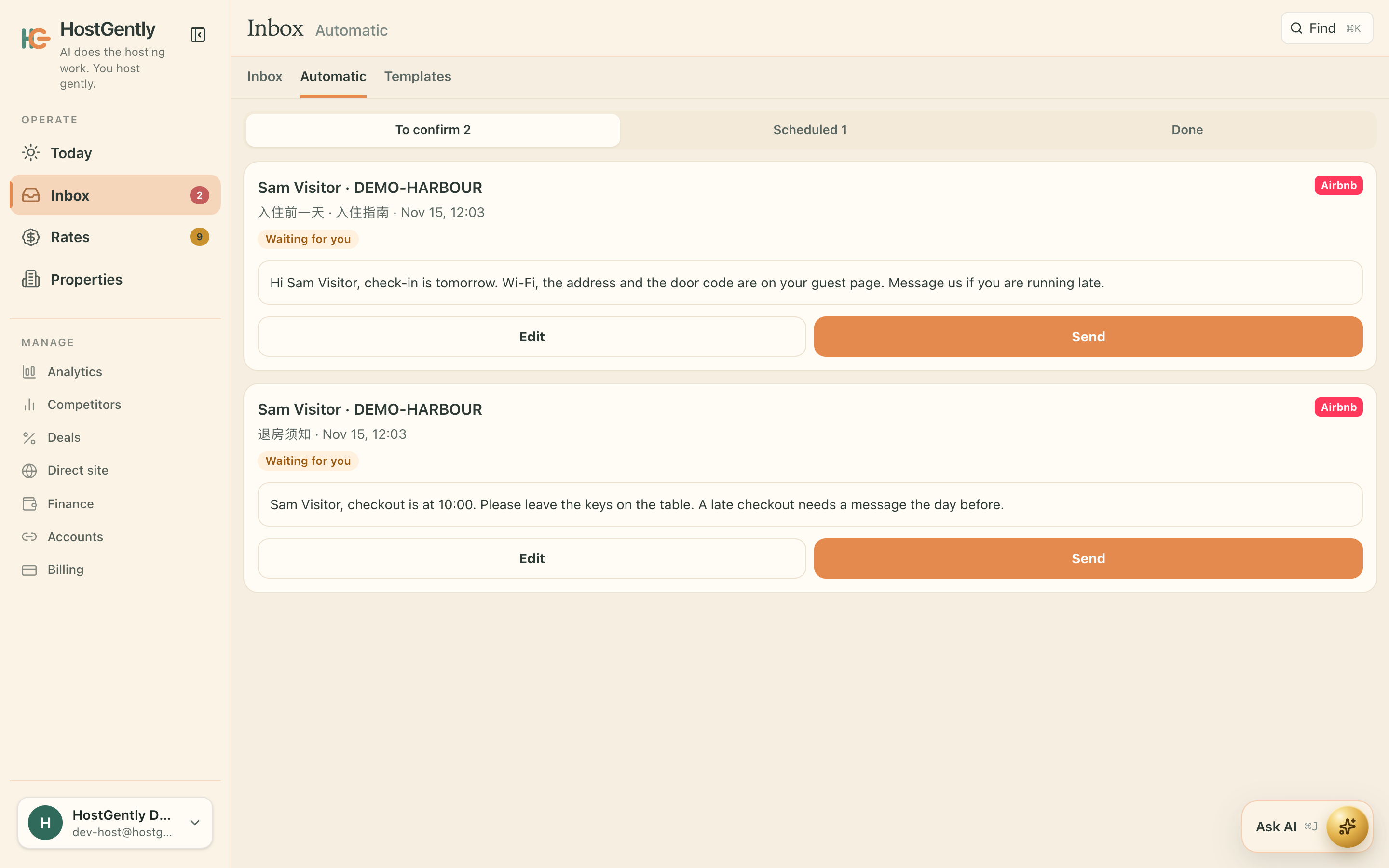
The same arrival note gets typed again and again.
You still want to see it before the guest does.
- Prepared for the stay, not sent on its own today.
- You can still edit the words.
- It uses the same inbox as the other guest messages.
Three steps, then you are taking bookings
Write it once
Arrival, the door, the things you always say.
It waits
With the switch off, it stays a draft.
You send
Nothing goes to the guest until you confirm.
What you need to run properties on several platforms
One inbox
Airbnb and Booking.com messages sit in one inbox. Open a thread, read it, and send the reply from the same place, so the evening is one list instead of two apps.
One calendar
One calendar for Airbnb, Booking.com, Vrbo, Expedia and Trip.com. When a night is booked, it closes on the other connected platforms.
Prices in one place
Change a price on the calendar and save. It goes out with the night to the platforms you connected, so a weekend rate is one edit.
Common questions
How does a prepared message go out?
You write the arrival note once. When the stay is coming up, you open that note, read it, and confirm. The guest receives it from the same inbox as your other replies.
What can I put in it?
The door, the Wi-Fi and the parking, in the words you want the guest to see. Each property is US$17 a month, and the first property is free for its first month.