A draft reply
AI writes a draft in the guest's language from the message you have open. You read it, change a word if you want, and confirm to send.
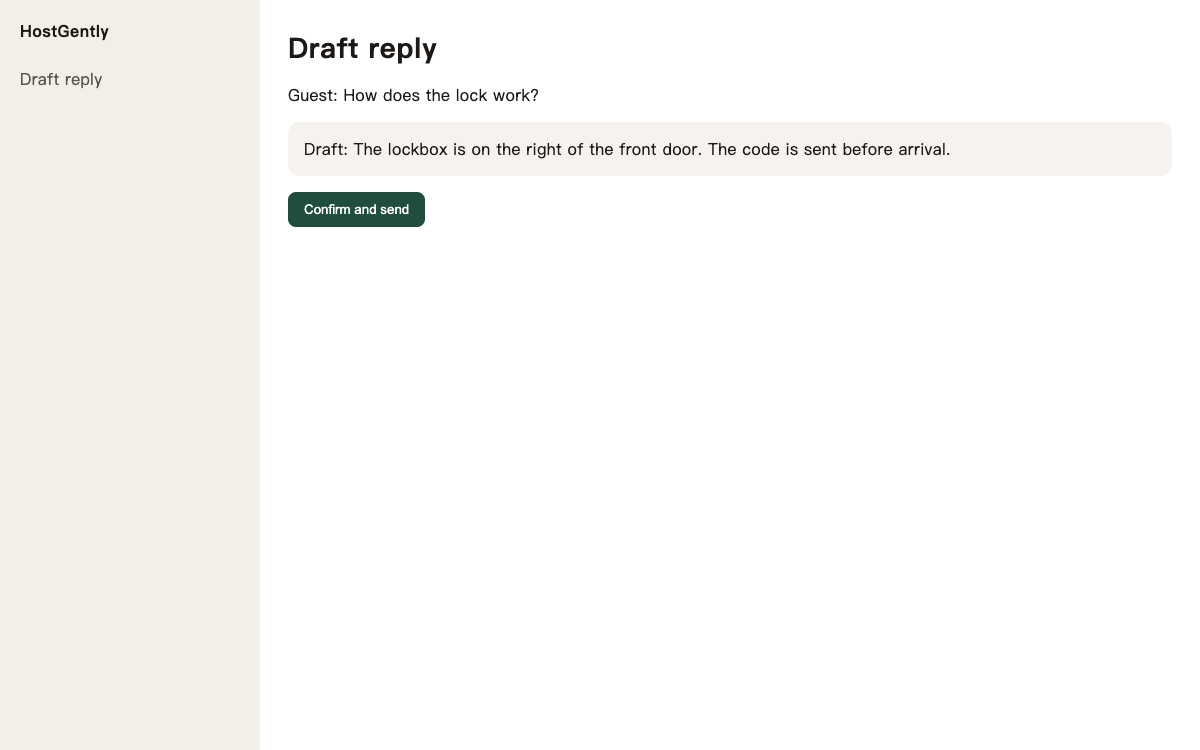
A late message still needs a careful answer.
You do not want a tool that sends while you are away.
- The draft follows the guest's language.
- You can throw it away.
- It does not message the guest by itself.
Three steps, then you are taking bookings
Ask for a draft
From the message you are reading.
Read it
Change the words if they are not yours.
Send
The reply leaves only when you send it.
What you need to run properties on several platforms
One inbox
Airbnb and Booking.com messages sit in one inbox. Open a thread, read it, and send the reply from the same place, so the evening is one list instead of two apps.
One calendar
One calendar for Airbnb, Booking.com, Vrbo, Expedia and Trip.com. When a night is booked, it closes on the other connected platforms.
Prices in one place
Change a price on the calendar and save. It goes out with the night to the platforms you connected, so a weekend rate is one edit.
Common questions
How do I get a draft?
Open the guest's message and ask for a draft. It follows the guest's language. You change any line that does not sound like you, then confirm, and that is the reply they receive.
Where do I use it?
In the inbox, on the message you have open. A question about the lock gets a draft with the steps, ready for you to check before it is sent.